
A detailed comparison and review of popular VPN services for online privacy and security.
Ever find yourself hunting for a VPN that is fast, simple, and safe? That is where Surfshark shines. In this review, we look at Surfshark features that make it a rising vpn star, from privacy tools to real-world speed and value.
Here is the quick story. I needed one VPN for travel, streaming, and public Wi-Fi, without juggling plans for each device. Surfshark let me connect unlimited devices, kept apps easy to use, and stayed stable on sketchy networks.
It starts with strong security. AES‑256 encryption and modern protocols like WireGuard keep data locked down. RAM‑only servers wipe data on reboot, which supports its no‑logs approach.
Useful extras make daily use better. CleanWeb blocks ads and trackers, Bypasser (split tunneling) lets key apps bypass the VPN, and Camouflage Mode hides VPN traffic as normal HTTPS. NoBorders helps in restricted networks, which is handy on campus or hotel Wi‑Fi.
New tools add real value. Everlink quietly restores dropped connections, so you stay protected. Alternative ID masks personal details with safe aliases when you sign up for sites, which cuts down on spam and exposure.
Performance and coverage are solid. With 3,200 plus servers across 100 countries, streaming and browsing feel quick and consistent. It works well for Netflix and other major platforms, and torrenting is supported for lawful use.
If you are choosing a VPN today, consider ease, privacy, and price. Surfshark balances all three, with unlimited devices and a friendly app across platforms. This review breaks down what matters, so you can decide if its feature set fits your needs.
Strong Security Features That Protect Your Data
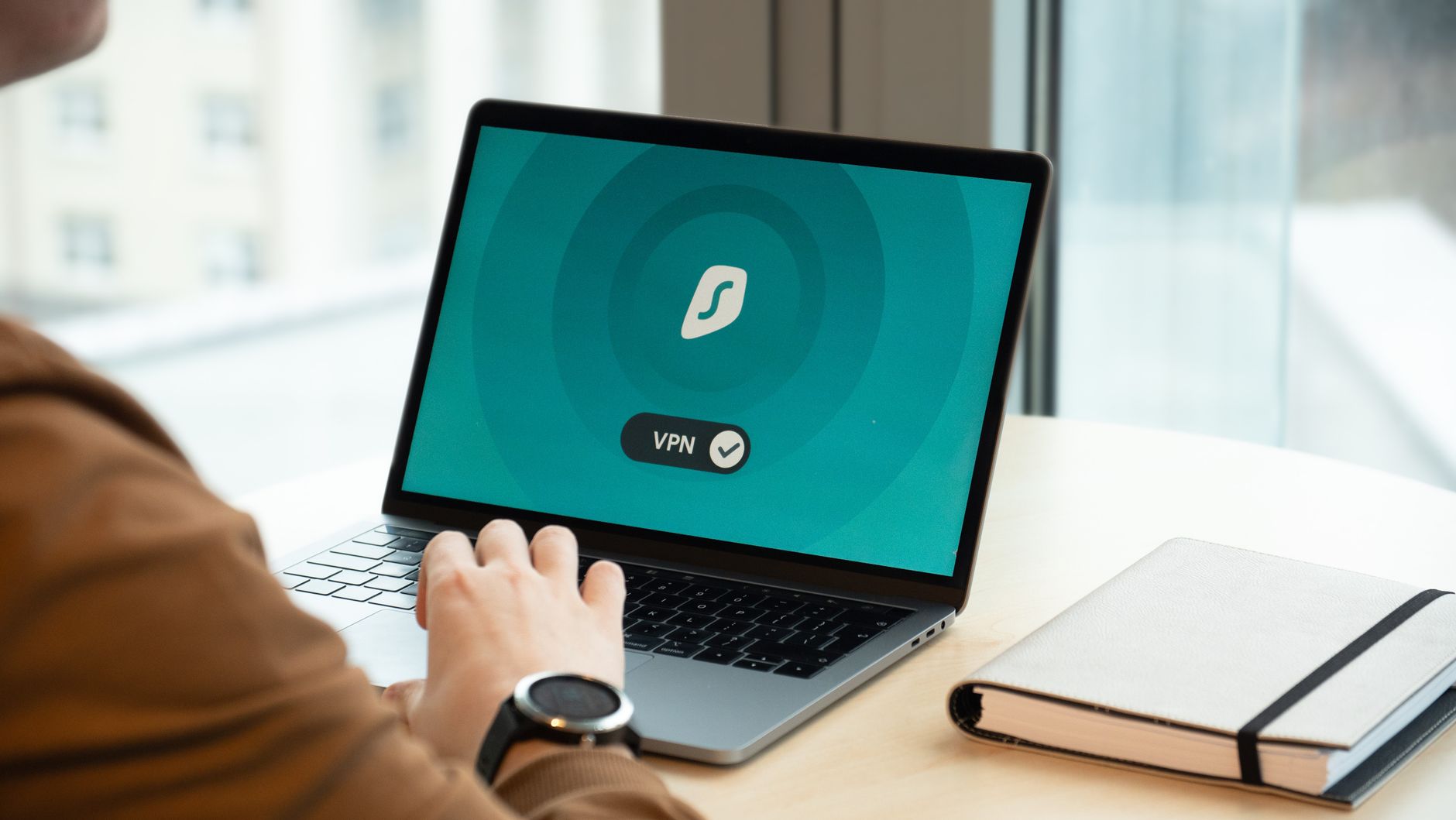 Photo by Dan Nelson
Strong security is the core of a good VPN. Surfshark keeps your connection private, even on risky networks like hotels, airports, and cafes. Here is how it protects you in daily use, and why these Surfshark features that make it a rising vpn star matter when you log on anywhere.
Encryption and Protocol Options for Secure Connections
Surfshark encrypts traffic with AES-256. Banks use the same standard. It scrambles data into unreadable blocks, so snoops or hotspot owners cannot see what you do.
You can pick from modern, battle-tested protocols that suit speed or stability:
- WireGuard: Fast, lightweight, and secure, great for streaming or gaming. It uses a lean code base for quick handshakes and stable speeds. See Surfshark’s options on the protocols page.
- OpenVPN: Reliable and widely audited, solid for mixed networks and older setups.
- IKEv2: Good for mobile. It switches between Wi-Fi and cellular without dropping.
On public Wi-Fi, this stack blocks packet sniffing, man-in-the-middle attempts, and rogue hotspot tricks. Even if someone runs the network, they only see encrypted noise, not your logins, searches, or streaming.
Quick example: you connect to an airport Wi-Fi named “FreeAirportNet.” With WireGuard and AES-256 active, your emails, bank checks, and messages stay locked away from nearby devices and the hotspot operator.
Key takeaways:
- Confidentiality: AES-256 hides your data from third parties.
- Integrity: Protocols prevent tampering in transit.
- Performance choice: Pick speed with WireGuard, or long-haul reliability with OpenVPN.
For a broader look at how Surfshark packages these tools, review its feature overview on the official features page.
Privacy Tools Like No-Logs and Camouflage Mode
Security is not the full story. Privacy features round it out for daily trust.
- Strict no-logs policy: Surfshark says it does not store activity or connection logs. That means no browsing history or session details tied to you.
- RAM-only servers: Servers write data to volatile memory, not disks. Data clears on reboot by design, which reduces long-term traces.
- Camouflage Mode: Masks VPN traffic to look like regular HTTPS. This helps avoid unwanted attention from networks that flag VPN use.
- NoBorders: Helps the app connect on restrictive networks. Useful on campus, in hotels, or in regions with heavy filtering.
Why this matters when you shop for a VPN:
- Trust: No-logs and RAM-only servers limit what exists to be taken or shared.
- Access: Camouflage and NoBorders keep you online when networks get picky.
- Peace of mind: You can stream, bank, and browse without second guessing.
Together, these protections support safe connections without forcing you to micromanage settings. Pick your protocol, toggle privacy tools, and get back to your day. In short, these are the Surfshark features that make it a rising vpn star for travelers, remote workers, and anyone who values private access on every device.
Fast Speeds and Great Streaming Performance
If you care about smooth streams and quick load times, Surfshark delivers. Its network stays fast on busy nights, handles 4K without stutter, and unblocks major libraries when you travel. This is one of the Surfshark features that make it a rising vpn star for everyday viewing.
Global Server Network for Reliable Access
Surfshark runs 3,200 plus servers across 100 countries. Broad coverage cuts the distance your data travels, which reduces lag and helps you maintain stable bitrates. It also gives you more options to switch regions when a location is slow or blocked.
- Lower latency: Nearby servers shorten the route, so video starts faster and buffers less.
- Geo-unblocking: A wide country list helps you reach shows that only appear in specific regions.
- Modern hardware: RAM-only servers and 10 Gbps ports (where available) support consistent speeds for HD and 4K.
Want to see where you can connect? Check the full country and city list on the Surfshark servers page.
Benefit in practice: you can watch your home shows on the road without the dreaded buffering wheel.
Unblocking Streaming Services Effortlessly
Surfshark is built for streaming access. It works with major platforms and keeps speeds steady for long sessions.
- Platforms include Netflix, Prime Video, Disney+, Hulu, BBC iPlayer, and Max. See the overview on the VPN for streaming page.
- Why it excels: strong WireGuard performance, broad server choice, and reliable city-level options to find a clean route when one server is busy.
Tips for smooth viewing:
- Pick the closest server in the target country for lower ping and faster start times.
- Switch protocols to
WireGuardfor speed, or toOpenVPNif a platform gets picky. - Clear app cookies or use an incognito window to reset location hints.
- Try another city in the same country if a library does not open on the first attempt.
- Use Smart DNS on TVs and consoles when the app store does not support VPN apps.
With the right server and protocol, Surfshark keeps streams crisp, reduces buffering, and opens the content you paid for, even when you are far from home.
Unique Extras That Add Real Value
Surfshark packs in thoughtful add‑ons that you will actually use. These extras smooth out daily browsing, cut friction when you sign up for new services, and protect every screen at home. They round out the surfshark features that make it a rising vpn star for real life, not just lab tests.
Unlimited Devices for Whole Household Use
 Photo by Stefan Coders
One subscription covers every device you own, plus the family’s gadgets too. Connect phones, laptops, tablets, smart TVs, streaming sticks, and even routers without counting slots.
- Whole‑home coverage: Protect your Wi‑Fi so every device behind the router benefits.
- No juggling: Set it up on smart TVs and consoles, then forget it.
- One plan, less hassle: No tiers to unlock extra devices.
If you want the official word, see Surfshark’s page on unlimited devices and home coverage on the multiple devices feature, or check how plans allow unlimited connections in the support article.
Quick example: stream in the living room, game in the bedroom, and keep mobile data safe on the go. Everyone stays covered under the same login.
Handy Tools Like Antivirus and Alternative ID
Surfshark goes beyond a basic VPN with built-in security and privacy apps.
- Antivirus: Guards against malware and suspicious files, useful if you download often or share USB drives. It adds a layer that catches threats your OS might miss. See the Antivirus features overview on the Surfshark Antivirus page.
- Alternative ID: Create safe aliases for sign-ups, including an alternative email that forwards to your inbox. Your real address stays private, which reduces spam, phishing, and data broker exposure. Learn how it works on the Alternative ID page or the short support guide.
Why this matters:
- Fewer leaks: Hide personal details during sign-ups.
- Fewer headaches: Filter junk messages before they reach you.
- More safety: Malware protection plus encrypted traffic is a strong combo.
These tools make the VPN suite feel complete, not cobbled together.
Everlink and CleanWeb for Smoother Experience
Two quality-of-life features keep browsing steady and clean.
- Everlink: When networks hiccup, the app reconnects quietly and picks up where you left off. It helps during elevator rides, train tunnels, or spotty hotel Wi‑Fi. If the network fully drops, you may see a brief pause, but Everlink shortens the gap and restores protection fast.
- CleanWeb: Blocks ads, trackers, and known malicious domains at the DNS level. Pages load faster, clutter drops, and risky sites get filtered. It may not block every in‑app ad or all video ads, but it cuts a huge share without extra browser extensions.
What you gain:
- Fewer interruptions: Sessions stay stable while you move between networks.
- Faster pages: Less junk to load, less noise in your feed.
- Safer clicks: Known bad links get stopped before they load.
Together with unlimited devices and identity tools, these comfort features push Surfshark beyond a typical VPN. For many people comparing providers, this blend of protection and polish is part of the surfshark features that make it a rising vpn star.
Conclusion
Surfshark brings the right mix of power and polish. Strong security with AES-256, RAM-only servers, and WireGuard keeps data safe. Fast, stable speeds and a wide server list make streaming and daily browsing feel easy. Useful extras like CleanWeb, Bypasser, Alternative ID, Everlink, and unlimited devices add real value without bloat. These are the surfshark features that make it a rising vpn star.
If you want value and ease, this review Surfshark takeaway is clear, it delivers. Pricing is affordable on long terms, with the best current deal around $1.99 per month on the two-year Starter plan, often with 3 months added. Note that rates can increase at renewal, so check the final price before you buy.
Ready to test it on your setup? Grab the 7-day free trial on Android, iOS, or macOS, or lock in the current deal while it lasts. Share your results and any tips that helped you get the best speeds. Your feedback helps others pick smarter.